
KiwiLaunch Lifetime Deal – Book and Get Paid in One Step
Running a small service business? Then you know the routine. Customers keep asking what time works. Then you chase payments.
So I tried KiwiLaunch. Customers see your open times. They book a slot and pay right away.
Setup was simple. I described my business briefly. The app then created my services, prices, and schedule. I changed some details. Then I shared my booking link. Add it to your Instagram bio, WhatsApp, or website.
I manage my whole day from my iPhone. I see upcoming bookings. I also see unpaid customers. Tap to Pay on iPhone accepts cards in person. No card reader needed.
The KiwiLaunch Lifetime Deal on AppSumo costs $39 once. There is no monthly bill. You still pay a 1% payment fee. It also won’t suit every business.
Next, I will cover features and pricing. I will share limits that real users found. Then I will explain who it suits best.
Features of the kiwilaunch Lifetime Deal
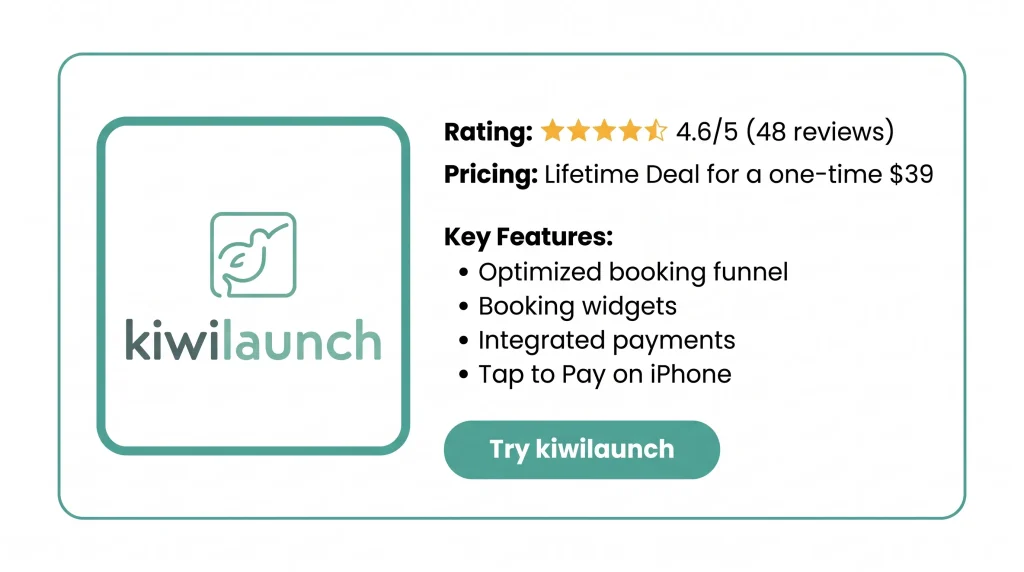
Optimized booking funnel
The booking steps fit the type of service you sell. Clients pick an open time. Then they pay in the same flow.
Booking widgets
Paste one script on your service page. A booking widget then shows up there. It lists your open times. Clients book right from that page.
Integrated payments
Each booking has card payment built in. It runs through your own Stripe account. You can also send payment links. And you can charge regular clients from your dashboard.
Tap to Pay on iPhone
Take a card or Apple Pay in person. Your iPhone takes the payment.
Admin tools
The admin panel holds your schedules, staff, bookings, and clients. The dashboard shows sales and bookings. It also shows how each service is doing.
iPhone app
The iPhone app holds your calendar, clients, services and payments. It shows who is booked today and who still owes you.
AI-assisted setup
Describe your work in a few lines. AI then drafts your services, prices, and schedule. You can edit all of it.
Appointments, packages, courses, and classes
Sell one-on-one sessions, fixed-date courses, and group classes. Classes can have a spot limit. Packages let clients buy a set of sessions and book each one at a time.
Pros of kiwilaunch
- Fewer Back-and-Forth Messages: Clients choose a time on their own. You stop trading messages to find a slot.
- Paid When Clients Book: Clients pay when they book. You stop chasing money after the job.
- Fewer Missed Appointments: Reminders go out on their own. This helps reduce clients who never show up.
- Business Run From Your Phone: Handle bookings, clients, and payments on the go. No waiting until you’re back at a desk.
- Quick and Simple Setup: The app does most of the setup. You can take paid bookings in about an afternoon.
- Your Brand, Not Theirs: Clients book on your website under your business name. The booking feels like part of your business.
Cons of kiwilaunch
- Limited Customization Options: Users can’t move parts of the booking page around. They also can’t change the email design. So the look stays mostly fixed.
- No Client Self-Rescheduling: Clients can’t cancel or move their own bookings. Every change has to go through you.
- Stripe-Only Payments: Online payments only run through Stripe. This is a problem if Stripe is limited in your country. It is also a problem if you prefer PayPal.
- Uneven Support Response Times: Most users praise the support. But some say a reply can take from two hours to two days.
Who is kiwilaunch best for?
- Massage and Wellness Practitioners: Do you offer massage, Reiki, or other one-on-one sessions? Clients can book and pay ahead. They can buy a pack of sessions too. You can also take cards in person.
- Yoga and Fitness Instructors: Do you teach drop-in classes, course series, and private clients? Keep them all on one schedule. Students look at it and pay online.
- Home Cleaning Companies: Do you send staff out for one-off and repeat cleans? Track each staff member’s calendar in one place. Only take bookings from the zip codes you serve.
- Tutors and Class-Based Schools: Do you run language, dance, or training classes on set dates? Sell each full course at once. Cap each class at the seats you have.
- Agencies Setting Up Client Sites: Do you build websites for local service firms? Add booking and payments to each client’s site. Many users already work this way.
kiwilaunch AppSumo Pricing Plan
1 Code: $39 (Lifetime Deal)
Features:
- Links to your calendar and marketing tools
- A landing page you can edit
- Clients pay when they book
- Your own branding
- Your own domain
- A 1% fee on each payment
- No kiwilaunch branding
- Online bookings
What Are the Best KiwiLaunch Alternatives?
The five best KiwiLaunch alternatives are Acuity Scheduling, Calendly, Square Appointments, Setmore, and SimplyBook.me. Each lets clients book online, but they differ in price, payment options, and limits.
KiwiLaunch vs Acuity Scheduling
Acuity Scheduling is a monthly booking tool owned by Squarespace. The main difference is how you get paid. KiwiLaunch only works with Stripe. Acuity gives you more choices.
- Price: $16 a month billed yearly, or $20 billed monthly.
- Pros: Payments through Stripe, Square, or PayPal; HIPAA on Premium with a signed BAA.
- Cons: No free plan, only a 7-day trial, just one calendar on Starter.
- Best for: Solo workers and small service firms.
KiwiLaunch vs Calendly
Calendly is a meeting tool many people use for calls. It charges per person. You need a paid plan to take money.
- Price: Free. Standard costs $10 per seat per month, billed yearly.
- Pros: Unlimited bookings for one event type on the free plan, round-robin booking on Teams.
- Cons: Calendly logo on the free plan’s page, per-seat prices that add up as your team grows.
- Best for: People and teams who mostly book calls.
KiwiLaunch vs Square Appointments
Square Appointments runs on Square’s own payment system. KiwiLaunch uses your Stripe account and adds a 1% fee. Square takes the money itself.
- Price: Free for one location. Plus, it costs $49 per location per month.
- Pros: Free plan with no time limit.
- Cons: 3.3% + 30¢ online payment fee on the free plan; a paid plan is needed for a second staff member or SMS reminders.
- Best for: Shops that already use Square in person.
KiwiLaunch vs Setmore
Setmore has a free plan for small teams. KiwiLaunch’s free plan is for one person with 100 bookings. Setmore’s free plan covers a few staff.
- Price: Free for up to 4 users and 200 bookings a month. Pro costs $5 per user a month, billed yearly.
- Pros: Payments and email reminders on the free plan; SMS reminders, repeat bookings, 2-way sync, and logo removal on Pro.
- Cons: No SMS reminders on the free plan, no repeat bookings or 2-way sync without Pro.
- Best for: Teams of 1 to 4 people with under 200 bookings a month.
KiwiLaunch vs SimplyBook.me
SimplyBook.me charges based on how many bookings you get each month. KiwiLaunch’s paid plans give unlimited bookings. That is a key difference.
- Price: Free. Paid plans start at $13.90 a month.
- Pros: HIPAA support from the Standard plan, QuickBooks, FreshBooks, and Xero links on Premium, logo removal on Premium.
- Cons: Booking caps on every plan (50 on Free up to 2,000 on Premium), $119 for a custom domain, $149 for a personal SMS gateway.
- Best for: Clinics and firms with steady booking numbers.
Final Thoughts – KiwiLaunch Review 2026
KiwiLaunch makes taking bookings easy for me. Clients book and pay in one simple step. I manage my whole day from my iPhone. I even take cards in person.
Setup was quick, and my booking page shows my own brand. The support team replies fast. The KiwiLaunch Lifetime Deal costs $39 once, with a 60-day refund window. It’s well worth a look.


