WP Captcha Lifetime Deal – Stop Bots, Spam & Fake Logins
Spam comments, strange failed logins, fake orders at checkout. If you run a WordPress site, you’ve likely seen one of these.
WP Captcha is made to stop them. Setup was easy for me. I picked a captcha type, chose my forms, and hit save. Its AI Security Audit checked my login activity. Then it told me in plain words what to fix.
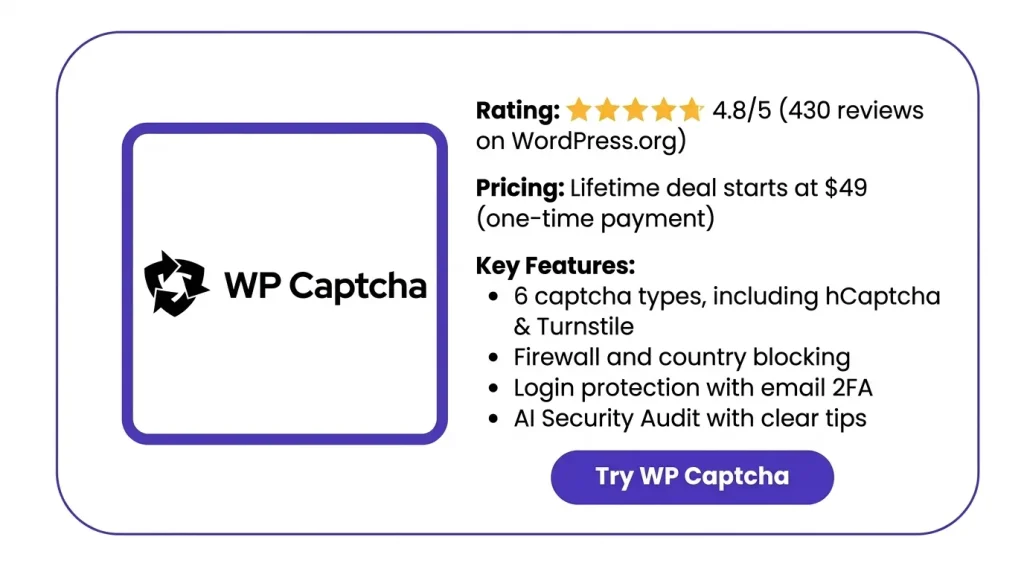
The WP Captcha Lifetime Deal on AppSumo starts at $49, and you pay just once. In this review, I’ll cover its features, pricing, and who it’s best for.
Features of the WP Captcha Lifetime Deal
Captcha
You can pick from six captcha types. These include reCAPTCHA, hCaptcha, Cloudflare Turnstile, and Icon Captcha. There’s also a built-in one that needs no API key. Then you pick where it shows up, like login, sign-up, comment, and WooCommerce checkout forms. You can add it to most other forms too, by their field names.
Activity
This part shows graphs and logs of lockdowns and failed logins. For each try, you see the date, place, IP, browser, and reason.
Login Protection
You decide how many failed logins are okay. You also set how long a person stays blocked. You can change your login URL and add a hidden trap for bots. It can also check for weak passwords.
Firewall
The firewall blocks bad bots and bad requests. It stops attempts to sneak code into your site or reach private files. This part also holds email-based 2FA and cloud lists of blocked and allowed IPs.
Country Blocking
You can block people from some countries. Or you can allow only the ones you pick. You can block the whole site or just the login page.
Design
You can pick one of five templates or style your own login page. You can change the logo, colors, form, buttons, and background. You can also add your own CSS.
Temporary Access
You make a login link to share with someone. That way, you don’t give out your password. You set how long the link works and how many times it can be used.
The Dashboard
This is one online place for what you bought, your licenses, and your sites. It’s also where you turn on white-label mode and rebrand the plugin.
AI Security Audit
This looks at your login and CAPTCHA data, like failed logins, countries, and IPs. Then it shows what it found and tells you what to do next. It does this without sending your logs to outside AI tools.
Pros of WP Captcha
- Fewer Spam Comments: Bots can’t easily post junk comments. You spend less time cleaning up.
- Safer Store Checkouts: A check on your checkout form helps stop fake orders from bots.
- Harder Account Break-Ins: Attackers can’t keep guessing passwords. An email check also keeps accounts safe if a password leaks.
- Clear Security Advice: You don’t have to dig through long logs. You get plain tips on what’s going on and what to fix.
- Safe Access for Helpers: You can let a helper into your site for a short time without giving your password.
- All Sites in One Place: If you run many sites, you can manage them all from one spot.
- Branded Login Page: Your login page can match the rest of your site, not the plain WordPress page.
- Low-Risk Setup: The plugin makes no lasting changes to your site. If something goes wrong, just turn it off to undo them.
Cons of WP Captcha
- Some Captchas Need API Keys: The top picks, like reCAPTCHA, hCaptcha, and Turnstile, take extra steps. You must sign up for each one and paste in your own keys.
- Privacy Rules Limit Choices: Does your site need to follow GDPR? Then you have fewer top picks. reCAPTCHA v2 and v3 don’t meet GDPR rules, and Turnstile isn’t clearly listed.
- AI Audit Needs Time: The AI Security Audit needs enough data first. A new site may show “Not enough data” for up to 24 hours.
- Tight Limits on Tier 1: The one-code deal covers just 3 sites and 1 AI site monitor. It has no white-label mode or plugin rebranding.
Who is WP Captcha best for?
- WooCommerce Store Owners: Do bots send fake orders through your checkout? A CAPTCHA on your checkout form stops them before they reach your store.
- Web Design Agencies: Do you run many client sites? You can manage them all in one place and show the plugin under your own brand.
- Bloggers With Open Comments: Do your posts get a lot of spam comments? A CAPTCHA on your comment form stops bots from posting junk.
- Community Site Owners: Do you run a BuddyPress or member site where people sign up? A CAPTCHA on your sign-up form keeps bots from making fake accounts.
- Non-Technical Site Owners: Can’t make sense of security logs? The AI Security Audit tells you what’s going on in plain words and what to check.
WP Captcha AppSumo Pricing Plan
License Tier 1 – $49 (pay once)
- Use it on 3 sites with 1 AI site monitor
- Firewall, cloud blacklists, and country blocking
- Custom login page and email 2FA
- Temporary login links you can share
- SaaS dashboard to manage your sites
License Tier 2 – $98 (pay once)
Everything in Tier 1, plus:
- Use it on 100 sites with 10 AI site monitors
- White-label mode
License Tier 3 – $147 (pay once)
Everything in Tier 2, plus:
- No limit on sites, with 30 AI site monitors
- Full plugin rebranding
License Tier 4 – $196 (pay once)
- Everything in Tier 3
- Plus 55 AI site monitors
License Tier 5 – $245 (pay once)
- Everything in Tier 4
- Plus 80 AI site monitors
License Tier 6 – $293 (pay once)
- Everything in Tier 5
- Plus 105 AI site monitors
What Are the Best WP Captcha Alternatives?
The top five are Wordfence, AIOS, CAPTCHA 4WP, hCaptcha for WP, and Simple CAPTCHA with Cloudflare Turnstile. Wordfence and AIOS are full security plugins. The other three only do CAPTCHA.
| Plugin | Starting Price | Firewall | Type |
|---|---|---|---|
| WP Captcha | $49 one-time (AppSumo) | Yes | Captcha + security |
| Wordfence | Free / $149 per year | Yes | Full security |
| AIOS | Free / $89 per year | Yes | Full security |
| CAPTCHA 4WP | Free / $39 per year | No | Captcha only |
| hCaptcha for WP | Free | No | Captcha only |
| Simple CAPTCHA with Cloudflare Turnstile | Free | No | Captcha only |
WP Captcha vs Wordfence
If you prioritize firewall and malware protection above all else, choose Wordfence. Its free plan includes features to block password-guessing attempts and supports two-step login.
- Starting price: Free, or $149 a year per site
- Pros: It scans your site for malware. WP Captcha doesn’t.
- Cons: Free users get new firewall rules 30 days late.
- Key difference: You pay each year for each site. WP Captcha is a one-time deal.
WP Captcha vs AIOS
AIOS is the closest full-security match. It has Turnstile, reCAPTCHA v2, or a math captcha. It also has a bot trap, login lockouts, and a firewall.
- Starting price: $44.50 the first year for 2 sites, then $89 a year
- Pros: Unlimited sites cost $349 a year. A security score guides beginners.
- Cons: 2FA and country blocking are paid only.
- Key difference: It adds malware scans and uptime checks. But you pay every year.
WP Captcha vs CAPTCHA 4WP
CAPTCHA 4WP is for people who only want CAPTCHA. The free plan adds reCAPTCHA to your login, comment, and sign-up forms.
- Starting price: Free, or $39 a year for Premium
- Pros: Premium adds WooCommerce, other form plugins, hCaptcha, and Turnstile. You get a 30-day refund.
- Cons: Paid plans are yearly. Free users only get forum help.
- Key difference: No firewall, 2FA, or country blocking.
WP Captcha vs hCaptcha
This is the official hCaptcha plugin. It works with WooCommerce, Contact Form 7, Elementor, and over 60 more.
- Starting price: Free
- Pros: A hidden bot trap catches bots early. A wizard helps you switch between reCAPTCHA and Turnstile.
- Cons: The no-challenge modes need a paid hCaptcha plan.
- Key difference: It has one captcha only. There are no login lockouts or firewalls.
WP Captcha vs Cloudflare Turnstile
This is the pick if you don’t want to pay. It’s fully free. It covers WooCommerce checkout, Easy Digital Downloads, BuddyPress, and top form builders.
- Starting price: Free
- Pros: It can skip CAPTCHA for logged-in users or set IPs. If Cloudflare is down, it can switch to reCAPTCHA.
- Cons: It only has Cloudflare Turnstile.
- Key difference: No firewall, 2FA, country blocking, or AI tips.
Final Thoughts – WP Captcha Review 2026
WP Captcha made my site feel safer, all from one simple dashboard. Adding CAPTCHA to my login, comment, and checkout forms took just a few clicks. The firewall, login guard, and country blocks were already built in.
My favorite part was the AI Security Audit. It gave me clear tips on what to fix, so I didn’t have to read long logs.
The WP Captcha Lifetime Deal starts at $49. You pay once, with no yearly bill. It’s a deal I’d grab while it’s still here.