SurFast Video Downloader Lifetime Deal – 1,000+ Sites, $19
Want to save a video? You jump between three websites. You close pop-up ads. Then the one that works stops at 720p. Or it breaks a week later.
SurFast Video Downloader fixes that. You paste a link. It saves the video to your computer. It can also save the audio, subtitles, or thumbnail. It works with more than 1,000 sites. That includes YouTube, TikTok, Instagram, and Facebook. You can even grab videos in 8K.
If you’re looking for information on the SurFast Video Downloader Lifetime deal and SurFast Video Downloader Review, you’ve come to the right place. The SurFast Video Downloader Lifetime deal was launched on AppSumo with a significant discount, and in this post, we’ll share all the details of the deal.
In this post, you’ll see what SurFast Video Downloader can do. You’ll read what real users say. You’ll find out if the $19 lifetime price is worth it. And you’ll learn if SurFast Video Downloader fits you. That could be as a creator, a teacher, or an agency.
By the end, you’ll be ready to decide. But this SurFast Video Downloader deal won’t last long on AppSumo.
Features of the SurFast Video Downloader
Full-Featured Video Downloader
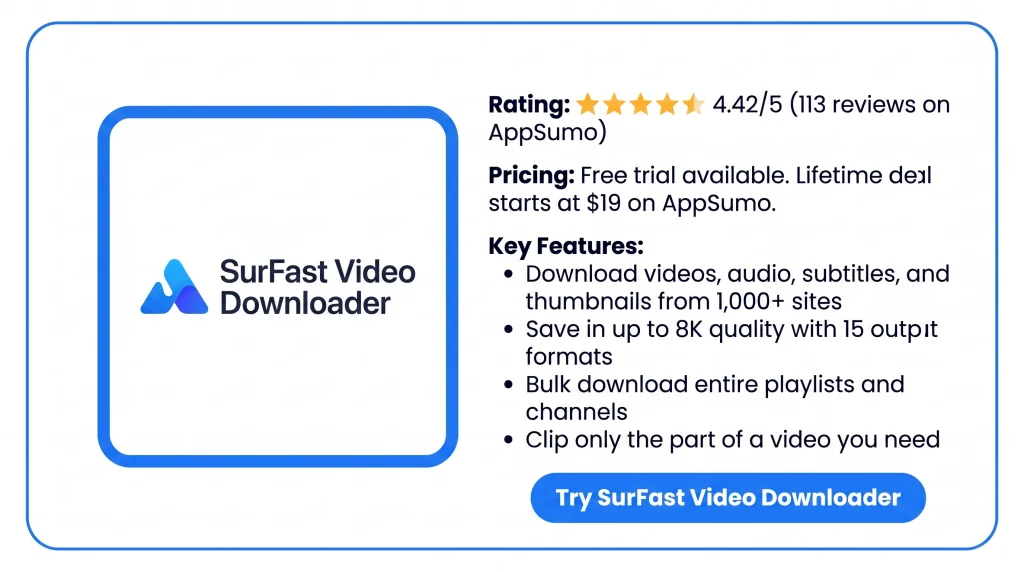
This is the main tool. You paste a link from one of the 1,000+ supported sites. That includes YouTube, TikTok, Facebook, X, and Instagram. You pick a quality from 128p up to 8K. You pick a format like MP4, MKV, or GIF. It can also grab whole playlists and channels. You can clip one part of a video by setting a start and end time. It can download private videos and live streams from accounts you are logged into.
Universal Audio Downloader
This tool saves audio from supported sites in two ways. You can download audio-only files directly. Or you can pull the sound out of a video. You save it in one of 8 audio formats, like MP3, WAV, or FLAC. It works with music, podcasts, audiobooks, and sound effects.
Advanced Subtitle Downloader
This tool saves subtitles with a video. You can keep them as a separate file. You can add them as a track you turn on or off. Or you can burn them into the video for good. It supports original, auto-generated, and auto-translated subtitles. Formats include SRT, VTT, LRC, and ASS.
High-Quality Thumbnail Grabber
This tool saves the thumbnail of each video you download. It picks the highest quality it can find. By default, it saves the image as a JPG or PNG.
Scheduled Download
You pick a playlist, channel, or creator to watch. You set how often the tool checks for new videos. When something new is posted, it downloads it on its own. It also saves an upcoming live stream once it starts.
SurFast Video Downloader Helper
This is a Chrome extension. It works with the desktop app. Once both are installed, you right-click a video on a web page. Then you pick the download option. No need to copy and paste the link.
Benefits of the SurFast Video Downloader
- One Clean App for Every Site: You stop jumping between ad-filled download websites. One app on your computer handles YouTube, TikTok, Facebook, and more. It comes with no ads or malware.
- Full Video Quality Kept: You get the video in the same quality it was posted. That goes right up to 8K. No blurry 720p copy.
- Downloads Run Without You: Paste a playlist, a channel, or up to 50 links. Then walk away. Tracked channels also keep saving new videos and live streams on their own.
- Only the Part You Need: You set a start time and an end time. You get just that clip. You skip downloading the whole long video.
- Help When Something Breaks: A site changes, and downloads fail. You can email support for free. Users say replies come within about an hour on AppSumo.
- Pay Once, Use on Two Computers: You pay $19 one time. You get lifetime updates. You can run the app on two Windows or Mac machines.
Cons of the SurFast Video Downloader
- Downloads Fail After Platform Changes: A site like YouTube changes something. Then downloads stop with errors until a fix comes. In August 2026, this lasted for weeks.
- Account Login Now Required: You must sign in inside the app. This applies to Instagram, Facebook, and now YouTube. Some users are not willing to do this.
- Frequent Component Updates: The app updates its download parts often. One user had to do this almost every week. They found it annoying.
- Channel Tracking Grabs Everything: Tracking a channel downloads every old video. There is no option to start from today. Bulk paste is also capped at 50 links.
Who is SurFast Video Downloader best for?
- Video Editors: You cut reaction videos, compilations, or documentaries. You need clean source clips in 4K or 8K. Blurry screen recordings won’t do.
- Teachers and Trainers: You play YouTube lessons in class or share lecture clips. You can download a whole playlist ahead of time. Then you play it offline with no ads or buffering.
- Social Media Managers: You repost content across TikTok, Instagram, and Facebook for clients. You can pull videos without watermarks. You grab thumbnails and subtitles in the same step.
- Content Creators Who Archive: You want a local copy of your own channel. Or a client’s videos are stuck on another platform. You can download whole channels and keep tracking them for new uploads.
- Podcast and Music Listeners: You want offline audio from YouTube, SoundCloud, or podcast sites. You can pull just the sound. Then save it as MP3, WAV, or FLAC.
SurFast Video Downloader AppSumo Pricing Plan
License Tier 1 — $19 (regular $50)
- Works on 2 computers, Windows or Mac
- Save videos, audio, subtitles, and thumbnails from 1,000+ sites
- Get whole playlists, channels, albums, and live streams
- Cut out just the part you want before saving
- Save private videos from your own accounts
- Follow channels or playlists to catch new uploads
- Turn many videos into MP3 at once
- Right-click a video in your browser to download it
- Lifetime access and updates, 60-day refund
License Tier 2 — $38 (regular $100)
- Includes License Tier 1, plus:
- Works on 4 computers
License Tier 3 — $57 (regular $150)
- Includes License Tier 2, plus:
- Works on 6 computers
License Tier 4 — $76 (regular $200)
- Includes License Tier 3, plus:
- Works on 8 computers
SurFast Video Downloader Alternatives
SurFast Video Downloader vs 4K Video Downloader Plus
This is the tool SurFast is compared to most. It works much the same way. You paste a link, pick a quality, and download. It runs on Windows, Mac, and Linux. A built-in browser lets you grab private content. Its “Smart Mode” applies your favorite quality and format to every download.
- Price: from $15 a year for Lite; lifetime plans are $25 Personal, $60 Pro, and $65 Bundle
- Limits: the free plan allows 10 downloads a day, 10 per playlist, and shows ads; the old 4K Video Downloader was shut down on February 1, 2026, so past buyers had to move to Plus
- Best for: people who need Linux, or who want a big-name tool with Smart Mode
SurFast Video Downloader vs Downie
A Mac-only app from Charlie Monroe Software. You drag a link onto the icon, or use its browser extension. It saves the video. It works with tons of sites, including YouTube in 4K. It can convert to MP4 or pull out audio. Your download history syncs over iCloud.
- Price: $19.99 one-time, or $9.99 a month through Setapp
- Limits: no Windows version; it cannot download from Netflix, Prime Video, Disney+, or other paid streaming services
- Best for: Mac-only users who want a simple native app
SurFast Video Downloader vs yt-dlp
A free, open-source tool that runs in the command line. There is no app window. You type commands in a terminal. It supports thousands of sites, playlists, subtitles, and format choices. It gets updated very often. Nabla Mind’s own site reviews it and lists SurFast as an easier option.
- Price: free
- Limits: no visual interface, so you must be okay typing commands and reading docs
- Best for: technical users who want full control and automation
SurFast Video Downloader vs JDownloader
A free, open-source download manager for Windows, Mac, and Linux. It handles videos and regular files from file hosts. It can run big queues. Nabla Mind lists it as a tool people often want to replace because of its cluttered look.
- Price: free
- Limits: the interface looks old and confuses beginners; it installs Java; setup takes more effort
- Best for: heavy users who download big batches from many kinds of sites
SurFast Video Downloader vs Video DownloadHelper
A browser extension for Firefox, Chrome, and Edge, not a desktop app. It grabs videos right from the page you’re on. Basic video and image downloads are free. A license unlocks no watermarks, direct MP3 conversion, unlimited downloads, and HD quality.
- Price: free; a license costs $28.50
- Limits: no 4K downloads; the Chrome version cannot download YouTube; full features need a separate companion app
- Best for: people who want a quick browser button for the odd clip, especially on Firefox
Final Thoughts – SurFast Video Downloader Review 2026
Tired of jumping between ad-filled download sites? SurFast Video Downloader gives you one clean app. It handles YouTube, TikTok, Facebook, and 1,000+ other sites. You keep full quality up to 8K. You save whole playlists in one go. When a site changes, you can email support for free. It costs $19 for two computers. The SurFast Video Downloader lifetime deal may end at any time.