
Kalium Lifetime Deal – Build Sites With More Control
Building a WordPress site can get messy fast. You may need a theme, plugins, and design tools. Kalium puts many of these parts in one place.
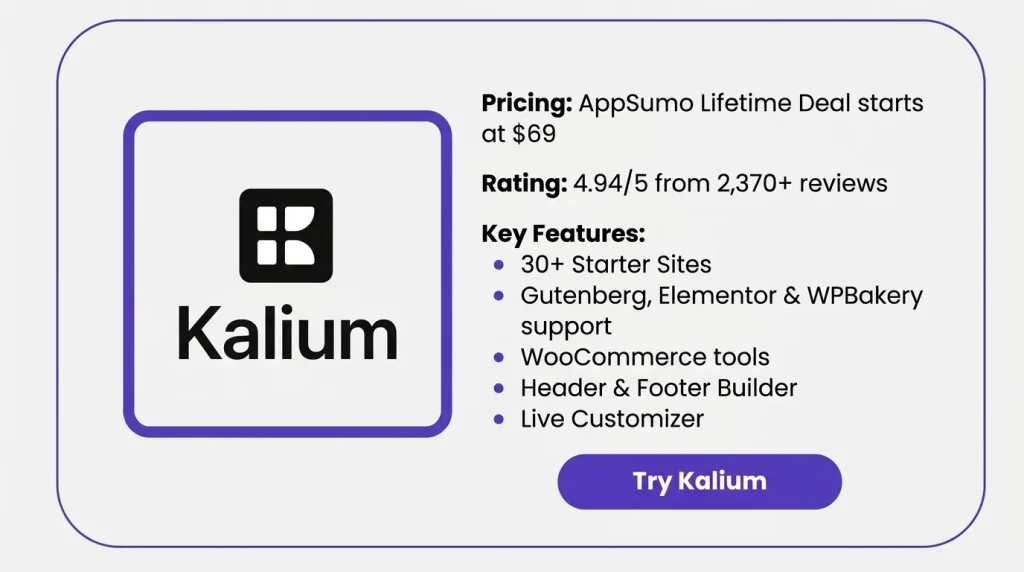
I started with a ready-made site. Then I changed the look to fit my needs. Kalium works with Gutenberg, Elementor, and WPBakery. I could edit the header, footer, fonts, work pages, and shop pages.
The Kalium Lifetime Deal stood out to me. It gives lifetime access to the theme. It can also work for many types of sites. There are starter sites for shops, blogs, firms, food sites, and more. You can still change the look to match your brand.
What I liked most was the mix of speed and control. I could start fast and still shape the site my way. In this review, I’ll cover the main tools, price, pros, limits, and who Kalium is for.
Features of the Kalium Lifetime Deal
Live Page Builder
Kalium works with Gutenberg, Elementor, and WPBakery. You can build and edit pages with these tools.
One-Click Installer
Kalium includes ready-made starter sites. You can import one and choose what to add.
Live Customizer
Kalium uses the WordPress Customizer for theme settings. You can edit colors, buttons, layouts, and spacing live.
Amazing Header Builder
Kalium has a drag-and-drop header builder. You can move items or use a ready-made layout.
Template Parts and Hooks
You can create sections and use them more than once. It also supports headers, footers, popups, and code snippets.
WooCommerce
Kalium works with WooCommerce for online stores. You can edit shop pages, product pages, carts, and checkout pages.
Perfect Portfolio
Kalium includes layouts for portfolios and project pages. You can also use filters, hover styles, media, and lightboxes.
Ultimate Font Manager
Kalium lets you manage fonts from many sources. These include Google Fonts, Adobe Fonts, and self-hosted fonts.
Super Fast Theme
Kalium uses optimized theme files for fast loading. Kalium 4 also removed frontend jQuery and changed how JavaScript loads.
Pros of Kalium
- Faster Site Setup: Ready-made starter sites help you start without building each page from scratch.
- More Design Control: You can change layouts, colors, fonts, headers, and other site parts.
- Flexible Building Workflow: You can build pages with Gutenberg, Elementor, or WPBakery.
- Simpler Store Setup: WooCommerce tools help you manage shop, product, cart, and checkout pages.
- Better Portfolio Display: Portfolio layouts give you more ways to show your work.
- Faster Page Loading: Light theme files help reduce extra page weight.
- Better Mobile Experience: Responsive controls help your site fit different screen sizes.
Cons of Kalium
- Steeper Learning Curve: New WordPress users may need time to learn Kalium’s many settings.
- Higher Hosting Needs: Basic hosting may cause import, plugin, or page loading issues.
- CSS for Advanced Tweaks: Some deeper design changes may still need custom CSS.
- Harder Legacy Migration: Moving a custom Kalium 3 site to Kalium 4 may take extra work.
Who is Kalium best for?
- Web Designers: Designers can build custom layouts, headers, and portfolio sites for clients.
- Design Agencies: Agencies can use Kalium for different WordPress client projects.
- Small Businesses: Small businesses can start with ready-made sites and change the design.
- Creative Professionals: Artists and photographers can show their work with portfolio layouts.
- Online Store Owners: Store owners can manage shop, product, cart, and checkout pages.
Kalium AppSumo Pricing Plan
License Tier 1 — $69
Features:
- Use on 1 website
- Performance features
- Header Builder
- Typography controls
- Future Personal plan updates
License Tier 2 — $129
Features:
- Everything in License Tier 1
- Use on up to 10 websites
- Future Business plan updates
License Tier 3 — $299
Features:
- Everything in License Tier 2
- Use on unlimited websites
- Aurum theme
- Oxygen theme
- Future Agency plan updates
5 Best Kalium Alternatives 2026
If ‘Kalium’ isn’t the right fit for you, you might want to consider these five themes. They include themes suitable for business websites, portfolios, agencies, and online stores.
Kalium vs Avada
Avada is a close Kalium alternative with its own visual builder. You can build pages, headers, footers, forms, and store pages.
- Starting Price: $69
- Best For: Businesses, agencies, and online stores
- Advantages: Live Builder, Header Builder, Footer Builder, WooCommerce Builder, and 100+ prebuilt sites
- Limitation: One regular license covers one end product
- Difference: Kalium supports three page builders, while Avada mainly uses its own builder
Kalium vs Betheme
Betheme is a good choice if you want many ready-made sites. It also has BeBuilder and supports Elementor.
- Starting Price: $69
- Best For: Agencies and multi-purpose websites
- Advantages: 700+ prebuilt sites, BeBuilder, Elementor support, and WooCommerce tools
- Limitation: One regular license covers one end product
- Difference: Betheme has a much larger demo library than Kalium
Kalium vs The7
The7 is built mainly for users who prefer Elementor. It also supports WPBakery and WordPress Full Site Editing.
- Starting Price: $39 for the first year
- Best For: Elementor users, freelancers, and agencies
- Advantages: Elementor tools, WooCommerce Builder, site-wide editing, and ready-made sites
- Limitation: Updates and support need yearly renewal
- Difference: The7 focuses more on Elementor and Full Site Editing
Kalium vs Salient
Salient is well suited to creative and portfolio sites. Its main builder is a custom version of WPBakery.
- Starting Price: $60
- Best For: Designers, photographers, agencies, and portfolios
- Advantages: Visual builder, 400+ section templates, portfolio layouts, and WooCommerce tools
- Limitation: Its main building system depends on WPBakery
- Difference: Kalium gives you more page builder choices
Kalium vs Bridge
Bridge works for portfolios, blogs, businesses, agencies, and stores. It supports Gutenberg, Elementor, and WPBakery.
- Starting Price: $69
- Best For: Agencies, freelancers, businesses, and stores
- Advantages: 610+ demos, multiple builders, and WooCommerce support
- Limitation: One regular license covers one end product
- Difference: Bridge has more demos, while Kalium has a smaller, focused library
Final Thoughts – Kalium Review 2026
Kalium gives you strong control over WordPress design. You can start with ready-made sites and change them as needed. It works with Gutenberg, Elementor, and WPBakery. You also get portfolio and WooCommerce tools.
The Kalium Lifetime Deal fits designers, agencies, small firms, creators, and store owners. It can work well for long-term WordPress projects. New users may need time to learn it. Some sites may also need better hosting or custom CSS.
Kalium offers you the benefits of both ready-made designs and deep control. If you are looking for both, it is worth checking out.


