AnyChat Lifetime Deal – All Customer Chats in One Inbox
Do you run a business? Then you know how messy customer chats get. Messages come from WhatsApp, Instagram, and your website. Soon, some replies get missed.
That’s why I tried AnyChat. It brings all your chats into one inbox. You also get a no-code chatbot builder, tickets, and a help center. You can even train the AI on your own data.
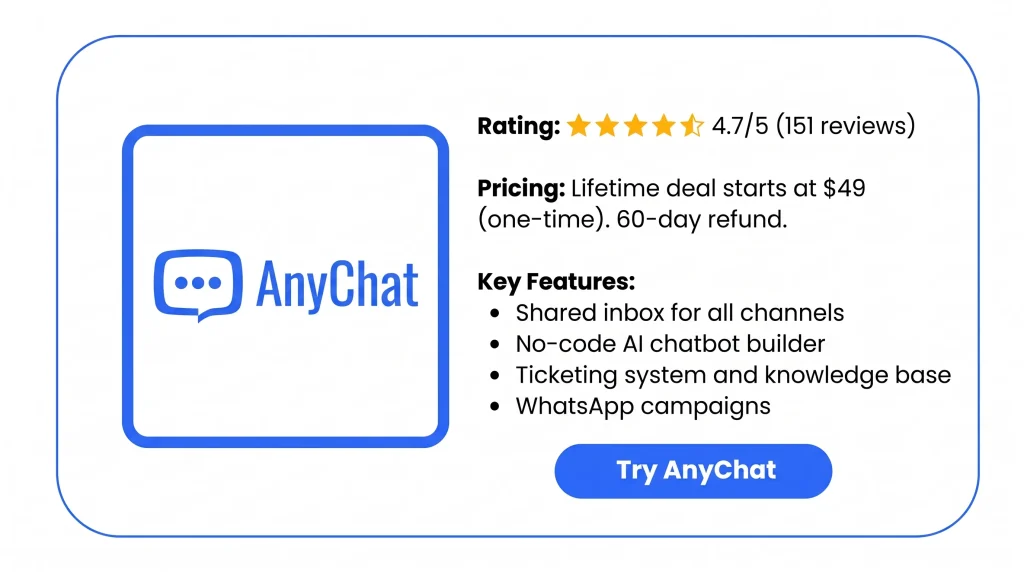
It has lots of settings, so plan some time to learn it. The AnyChat Lifetime Deal on AppSumo starts at $49. You also get 60 days to ask for a refund.
Features of the AnyChat Lifetime Deal
Shared Inbox
It shows chats from all your channels in one place. Your whole team can see them. You can give chats to a teammate or a department. You can also move chats and leave private notes.
Knowledge Base
It lets you write help articles. You can add text, images, videos, and code. Then you post them as a help site on your own domain. People can search it.
Ticketing system
It turns customer requests into tickets. Emails can become tickets too. You set your own statuses, types, and priority levels. Tickets can also go to agents on their own.
Live Chat Widget
It adds one chat box to your website. Visitors can chat live or reach you on other apps. They can also read help articles. You add it with a shortcode or a plugin. It works with WordPress, Shopify, and more.
Channels
It links chat apps to AnyChat. This includes WhatsApp Business, Facebook Messenger, and Instagram DM. It also covers Telegram, SMS (Twilio), Viber, Line, WeChat, and Zalo. An API channel lets you add other chat apps.
Chatbot Builder
It lets you build chatbots in a visual flow builder. You don’t need to write code. Bots can follow rules or use AI. They can also pass a chat to a real person.
Artificial Intelligence (AI)
It lets you make AI helpers with your own API key. Any OpenAI-compatible provider works. That includes OpenAI and OpenRouter. You train the AI on your help articles, files, and website links.
Integrations
It links AnyChat to outside tools. These include reCAPTCHA, Cloudflare Turnstile, and Telegram. Twilio and Google Sheets work too. They block form spam, send alerts, and move data.
WhatsApp campaigns
It sends WhatsApp messages to many people at once. You use approved message templates. You can load contacts from a CSV file, a JSON link, or Google Sheets. Then you see which messages were sent, delivered, and read.
Pros of AnyChat
- Fewer Missed Messages: All your chats land in one place. You stop jumping between apps. So fewer replies get missed or come late.
- No More Double Replies: Your team can see who owns each chat. So two people won’t answer the same customer.
- More Time for Hard Cases: The chatbot and help articles handle simple, repeat questions. That leaves your team free for the hard chats.
- Full Control Over AI Costs: You pay your AI provider directly. You can switch to a new one anytime. So you’re not stuck with one company or hit with surprise fees.
- Easier Contact for Visitors: Visitors can reach you from one spot on your site. They don’t have to hunt for your contact page or social links.
- Support From Anywhere: The mobile app lets you reply from anywhere. You don’t need to sit at your desk.
- Know What Campaigns Work: You can see how many WhatsApp messages were delivered and read. This helps you plan your next campaign.
- Support That Matches Your Brand: Your chat box, help center, and dashboard can use your own look. They can use your own domain too. So customers see your brand, not AnyChat’s.
Cons of AnyChat
- Needs Technical Skills: Many parts need tech setup. If you can’t code, you may get stuck. This is even more true for agency setups.
- Confusing Interface: The dashboard can feel confusing. It may take time to find the widget and other settings.
- Slow Support Replies: Some users waited days for a support reply. A few asked for refunds. Their problem wasn’t fixed in time.
- WhatsApp and Meta Issues: Some users had WhatsApp or Meta links fail during setup. For others, the link stopped working later. Then they couldn’t reply to customers.
Who is AnyChat best for?
- Customer Support Teams: They get chats from many apps each day. A shared inbox lets them assign chats. They can also track requests as tickets. This fits the way they already work.
- Ecommerce Store Owners: Shoppers ask questions on WhatsApp, Instagram, and the store site. You can add AnyChat’s widget to your store. It works with Shopify, Magento, and more.
- Marketing Agencies: They handle support for many clients. They can give each client its own account. Each dashboard can show the agency’s own brand.
- Consultants: Leads often ask them the same things. A chatbot trained on their own files and site can answer. That frees them up for client work.
- Tech-Savvy Business Owners: They like to build their own chat flows. They also link tools with webhooks and APIs. AnyChat gives them lots of room to do this.
AnyChat AppSumo Pricing Plan
Starter: $49 (Lifetime Deal)
- No limit on channels, domains, or conversations
- 3 agents, 1 workspace, and 1 widget
- 1 inbox integration
- 3 AI assistants and 3 chat flows
- 10 canned responses and 3 custom fields
- Chat history saved for 60 days
- WhatsApp Business campaigns and a knowledge base
- Shared inbox, helpdesk, and CRM
- Emails turn into tickets
- Style the widget your way, with no AnyChat branding
- Use your own domain and dashboard branding
Advanced: $98 (Lifetime Deal)
All of Starter, plus:
- 5 agents, 3 workspaces, and 3 widgets
- 3 inbox integrations
- 5 AI assistants and 5 chat flows
- 15 canned responses and 5 custom fields
- Chat history saved for 90 days
Growth: $147 (Lifetime Deal)
All of Advanced, plus:
- 25 agents
- No limit on workspaces, widgets, or inbox integrations
- No limit on AI assistants or chat flows
- No limit on canned responses or custom fields
- No limit on chat history
AnyChat Alternatives
Here are the best alternatives to AnyChat: Intercom, Tawk.to, ManyChat, ChatMaxima, and Charla.
1. Is Intercom a Good AnyChat Alternative?
Yes, if cost isn’t a worry. Intercom is a well-known support tool. It has a shared inbox, help center, and workflows. Its AI agent, Fin, comes with every plan.
- Starting price: $29 per seat per month, paid yearly. Or $39 if you pay monthly.
- Pro: A full support tool from a trusted company.
- Con: Fin costs $0.99 per outcome. That’s on top of seat prices.
- Key difference: You pay each month for each seat. AnyChat is a one-time price, and you can use your own AI key.
2. Is Tawk.to a Good AnyChat Alternative?
Yes, for teams with a small budget. Tawk.to gives you free live chat and tickets. You also get a help center and a simple CRM.
- Starting price: Free.
- Pro: No limit on agents, sites, or chat history.
- Con: Removing the Tawk.to logo costs extra. AI Assist starts at $29 a month.
- Key difference: Tawk.to charges to remove its logo. AnyChat lets you remove it on every plan.
3. Is ManyChat a Good AnyChat Alternative?
Yes, if most chats come from social media. ManyChat automates DMs on Instagram, Messenger, and WhatsApp.
- Starting price: $29 a month paid yearly, or $39 monthly. That covers 2,500 Active Contacts.
- Pro: Made for social DM automation.
- Con: Extra fees for contacts and WhatsApp can raise your bill.
- Key difference: ManyChat costs more as your list grows. AnyChat also has tickets and a help center.
4. Is ChatMaxima a Good AnyChat Alternative?
Yes, if you use WhatsApp a lot and like to pay monthly. Every plan has an AI helper, a bot builder, and a shared inbox.
- Starting price: $19 a month, with a 7-day free trial.
- Pro: No extra fee per message or per seat.
- Con: Just 1 account per channel in each workspace.
- Key difference: You pay every month. AnyChat is a one-time payment.
5. Is Charla a Good AnyChat Alternative?
Yes, if you want something simpler. Charla is an AppSumo lifetime deal. It has live chat, AI bots, a help center, and tickets.
- Starting price: One-time AppSumo payment. Prices vary, so check the live deal.
- Pro: Simple and easy to use.
- Con: Fewer extra tools than AnyChat.
- Key difference: One reviewer tried both. Charla keeps things simple. AnyChat has more tools and more ways to change things.
Final Thoughts – AnyChat Review 2026
AnyChat puts all my customer chats in one inbox. That means WhatsApp, Messenger, Instagram, Telegram, email, and my website. I trained the AI on my own help articles and website. When a chat gets tricky, it hands it to my team.
Tickets, a knowledge base, a chatbot builder, WhatsApp campaigns, and a mobile app all sit in one dashboard. And everything shows my own brand. The team keeps shipping new updates. It also holds a 4.7 rating from 151 AppSumo reviews.
The AnyChat Lifetime Deal starts at $49. You get 60 days to ask for a refund. You pay once for a full customer chat setup. And it’s yours to keep.