Phygital+ Lifetime Deal – 30+ AI Models on One Canvas
I used to jump between AI tabs for images, video, and upscaling. Moving files around took more time than the work. That’s why I tried the Phygital+ Lifetime Deal on AppSumo.
Phygital+ is an online workspace with 30+ AI models for images, video, audio, text, and 3D. You link small blocks called “nodes” on a canvas to build your own flow. It felt a bit confusing at first, but it got easy fast.
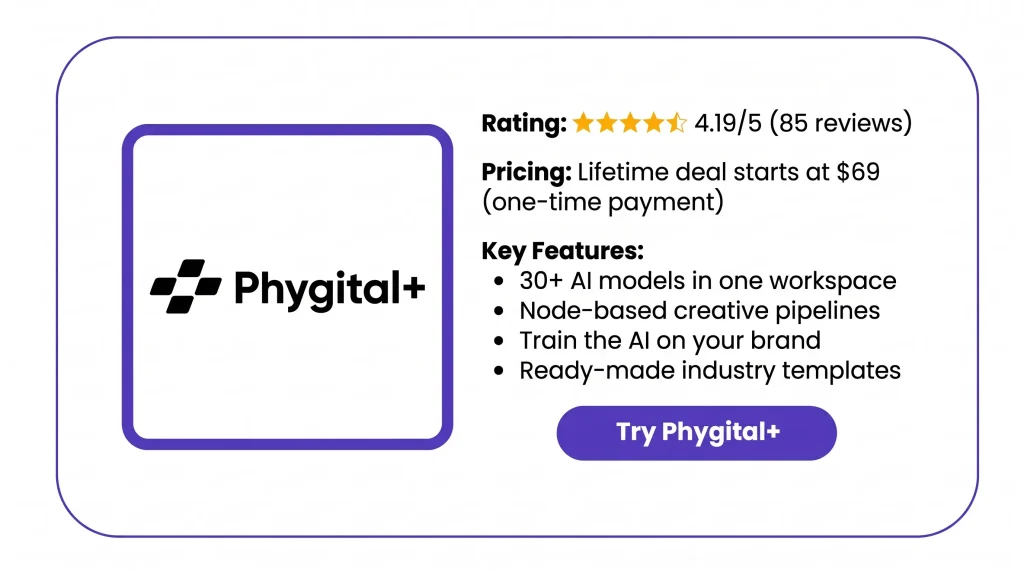
The deal starts at $69 for lifetime access, with credits that refill every month. In this review, I’ll cover the features, benefits, pricing, and who it’s best for.
Features of the Phygital+ Lifetime Deal
Design on-brand assets, fast
You can make images, videos, and 3D models in one place. You get 30+ AI models to pick from. You can also run one idea through a few models. Then you get the same visual in different versions.
Edit images to perfection
You can start with a text prompt or your own image. Then you can resize it, add effects, or remove the background. The upscale tools make your results bigger for web or print.
Train the AI on your brand
You upload your brand files and sample images. This shows the AI how your content should look. It uses LoRA training to learn your style, colors, or characters.
Create faster industry templates
Templates are ready-made flows. They cover logos, color schemes, product scenes, and ads. You swap in your own files, like a product photo. Then you run the template.
Genie
Genie is a built-in AI agent. You tell it your task in plain words. It picks the models and writes a prompt for each one. Then it puts a ready node chain into a frame on your canvas.
Build faster creative pipelines
You place AI tools as nodes on one canvas. Then you link them in the order you want. You can go from sketch to image to animation in one project. You don’t need to move files between apps.
Share across the team
You can share projects with your teammates. That way, everyone works in the same place. Each project has its own link. The link opens it right in your workspace.
Pros of Phygital+
- Less switching between tools: You make images, videos, and audio in one place. No more copying files from app to app.
- No setup or strong computer: It runs in your browser. You don’t install anything or buy a GPU.
- Visuals that stay on-brand: Your colors, characters, and style stay the same. That goes for ads, posts, and slides.
- Quicker first drafts: You get a polished first result in minutes. You don’t start from a blank page.
- Work you can repeat: Build a flow once. Then rerun it for the next batch. You don’t redo each step by hand.
- Easier model choices: Test one prompt on a few models. Then keep the result that fits your task.
- Team stays in sync: Your team works in the same shared projects. So everyone sees the same files and progress.
- Ready for client work: Every tier includes commercial use. You can use what you make in paid projects.
Cons of Phygital+
- Steep Learning Curve: Many users say the node canvas feels confusing at first. You may need time before you can build your own flows.
- Credits Run Out Fast: Some users say credits go fast, mostly with video. If you make a lot, you may run out before they refill.
- Results Can Need Retries: Users say some results don’t come out as planned. You may need to run a prompt again. That uses more credits.
- Not Always Pro-Level Quality: Some users found a few tools weaker than tools made for one job. This was true for the enhancer and interior maker. It matters most for tough client work.
Who is Phygital+ best for?
- E-commerce Sellers: Do you run an online store? You can make product shots and new color looks. You can make a look for each season too. You don’t need a new photo shoot each time.
- Creative Agencies: Do you have many clients? You can teach the AI each one’s style. Then every ad, mockup, and story plan stays on-brand.
- Content Creators: Do you post on TikTok, Instagram, or YouTube? You can make thumbnails, short clips, and scenes in one place. Your look or character stays the same in each post.
- Interior Designers and Architects: Do you show ideas to clients? You can turn sketches, plans, or empty room photos into furnished rooms. You can try new lighting or seasons too.
- Video Editors: Do you edit videos for clients or your own channel? You can make extra shots, transitions, and b-roll. You can use start and end frames to make a scene longer.
Phygital+ AppSumo Pricing Plan
License Tier 1 – $69 (was $144)
Features:
- 4,000 new credits each month
- Save up to 13 projects
- Use all 30 AI tools
- Share projects with others
- Use what you make in paid work
- See your past results anytime
- Automask (SAM2) picks out objects for you
- Vectorizer turns images into vector art
License Tier 2 – $169 (was $278)
Includes License Tier 1, plus:
- 8,000 credits each month
- Room for 15 projects
License Tier 3 – $319 (was $564)
Includes License Tier 2, plus:
- 15,000 credits each month
- Up to 17 projects
- AI agent (Genie) builds flows for you
License Tier 4 – $659 (was $790)
Includes License Tier 3, plus:
- 30,000 credits a month. You get 15,000 every 2 weeks.
- Space for 30 projects
License Tier 5 – $879 (was $1,540) · Recommended
Includes License Tier 4, plus:
- 45,000 credits a month. You get 22,500 every 2 weeks.
- Keep up to 50 projects
Each tier is a one-time payment. You get lifetime access. You can ask for a refund within 60 days.
What Are the Best Phygital+ Alternatives?
The best Phygital+ alternatives are Flora AI, Figma Weave, Krea AI, Magnific Spaces, and Wireflow. All five are online AI canvases like Phygital+. But you pay for them each month or year. Phygital+ is a one-time lifetime deal.
1. Flora AI: The Closest Match to Phygital+
Flora AI puts 50+ text, image, and video models on one node canvas.
- Starting price: Free plan, then $18 per seat each month.
- Pros: You see what each image or video costs, by project and by person. That makes client billing easy.
- Cons: It takes time to learn. Video models use credits fast.
- Difference: Today’s prices are launch deals. They may change.
2. Figma Weave: Best for Figma Users
Figma Weave used to be Weavy. Figma owns it now.
- Starting price: Free with 150 credits, then $24 a month.
- Pros: On Professional and Team, unused credits roll over. You can save up to 3x your monthly amount.
- Cons: Video uses about 15x more credits than images.
- Difference: The free plan has no video models.
3. Krea AI: Best Low-Cost Starting Point
Krea AI mixes live image making with video, 3D, and lip-sync models.
- Starting price: Free with 100 units a day, then $9 a month.
- Pros: Free units refill daily. You get 150+ models.
- Cons: Costs are hard to guess. Video and upscaling use units much faster.
- Difference: You need Pro ($35) for all video models and Nodes.
4. Magnific Spaces: Best for Stock Plus AI
Magnific Spaces is Freepik Spaces with a new name.
- Starting price: $14.50 a month, paid yearly.
- Pros: One plan gives you AI models and 250M+ stock files.
- Cons: “Unlimited” only covers about 10 image models. Video always uses credits.
- Difference: It’s the only one here with a stock library built in.
5. Wireflow: Best for Clear Per-Run Costs
Wireflow shows what each node costs before it runs.
- Starting price: Free to build, then $24 a month to make things.
- Pros: Every paid plan opens all 100+ models.
- Cons: The free plan can’t make anything.
- Difference: You can run a finished workflow as an API.
Final Thoughts – Phygital+ Review 2026
Phygital+ is now my first stop for visuals. I make images and turn them into videos. I upscale them and add sound. It all happens on one canvas.
My favorite part? I send one prompt to a few models. Then I pick the best look. Brand training keeps my style the same. Templates give me a clean first draft in minutes. New models show up almost every week.
With the Phygital+ Lifetime Deal, you pay once. You get fresh credits every month. You can use your work in paid projects too. It’s a tool I really use every week.