Snappyit Lifetime Deal – AI Photos From One Phone Shot
Product photos cost a lot. One studio shoot can cost $25 to $300. Add model fees and editing on top of that. I sell clothes online. I know this pain.
I tried Snappyit with a phone photo. No studio. No setup. In 30 seconds, I got a clean image. It was ready to list. I also tried the flat lay, model, and color tools. All worked. All were fast. Each image costs under $0.10.
The Snappyit Lifetime Deal on AppSumo is a one-time buy. You get monthly credits. No monthly bills. This review tells you what works and what doesn’t. I’ll also say if the deal is worth it.
Features of the Snappyit Lifetime Deal
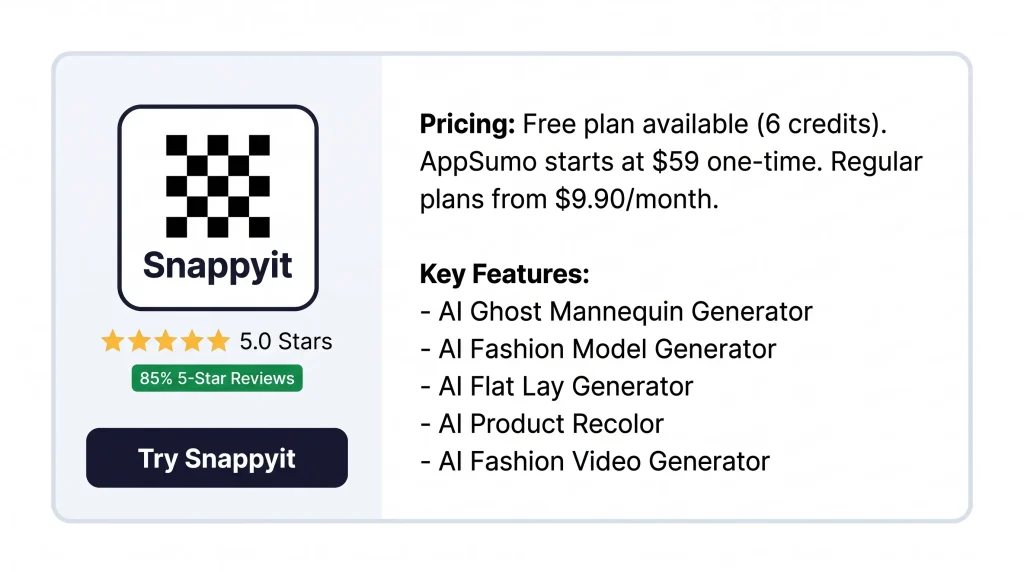
AI Ghost Mannequin Generator
This tool removes the mannequin from a clothing photo. The garment keeps its 3D shape. Upload a flat lay or hanger photo. You get a clean product image with no mannequin.
AI Fashion Model Generator
This tool puts your clothes on an AI model. No real photoshoot is needed. Upload a garment photo. Pick a model, pose, and background. You get an on-model image.
AI Flat Lay Generator
This tool turns any garment photo into a flat lay. The image gets a white background. Upload a hanger or product photo. Pick the garment type. You get a clean flat lay.
AI Product Recolor
This tool changes a product’s color in a photo. No reshoot is needed. Describe the area to change. Pick a new color. The tool keeps the texture and shadows the same.
AI Fashion Video Generator
This tool turns one product photo into a short video. Upload a clothing photo. Pick a video template. You get a clip ready for TikTok, Reels, and listings.
Pros of Snappyit
- No Studio Costs: A studio photo can cost $25 to $300. With Snappyit, each image costs under $0.10.
- Images Ready in Seconds: A studio takes 3 to 7 days per photo. Snappyit gets it done in 30 seconds.
- Consistent Product Listings: Use the same workflow for every item. Your whole catalog looks the same.
- Color Variants Without Reshooting: Use one photo to make many color versions. No new shoot is needed.
- Works Across Major Platforms: Your photos work on Shopify, Amazon, Etsy, eBay, Poshmark, Mercari, and TikTok Shop.
- Available on Mobile: Use the Snappyit app on iOS or Android. Create photos right from your phone.
Cons of Snappyit
- No Built-in Crop Tool: Snappyit has no crop tool yet. You need a second app to crop your images after generating them.
- Few Templates and Poses: The pose and scene options are limited. This makes it hard to create varied looks for different products.
- Complex Fabrics Need Extra Attempts: Knit, sequin, or detailed fabrics may not look right at first. You may need to generate the image more than once.
- Future AI Models May Cost Extra: Future AI model updates may not be free. The deal terms say they could cost extra, even for lifetime buyers.
Who is Snappyit best for?
- Shopify & DTC Sellers: You run an online store. You need clean photos for every new drop. No studio booking needed.
- Marketplace Resellers: You sell on eBay, Poshmark, or Depop. You want to turn phone photos into pro listing images fast.
- Print-on-Demand Sellers: You sell on Etsy or Amazon Merch. You need color variants and model images from one design file.
- Jewelry Sellers: You sell jewelry on Etsy or your own store. You need clean product shots without hiring a photographer.
- High-Volume Fashion Brands: You launch many products each month. You need a fast photo workflow for your full catalog.
Snappyit AppSumo Pricing Plan
Tier 1 — $59 $199
- 100 credits each month
- All image and video tools are open
- Upload in batches
- Pay once, use forever
Tier 2 — $159 $429
- All of Tier 1 is included
- Credits go up to 350 per month
Tier 3 — $279 $819
- All of Tier 2 is included
- Credits go up to 700 per month
- Upload and generate in batches
- Your jobs run first with priority speed
Tier 4 — $409 $1,289
- All of Tier 3 is included
- Credits go up to 1,400 per month
5 Best Snappyit Alternatives (Comparison)
Snappyit vs Photoroom
Photoroom removes backgrounds fast. It works for many product types, not just clothes.
- Free plan: 250 exports/month (some have watermarks)
- Pro plan: from $7.50/month (annual)
- Ghost mannequin and model tools need a higher plan
- AI tools cost extra credits on top of your plan
- No jewelry or color change tools
Snappyit vs Botika
Botika makes AI model photos and short videos. It has diverse models and a Shopify app.
- Paid plans start at ~$22/month for 20 photos
- Each image costs $0.75–$1.00 at lower tiers
- No jewelry or color change tools
- Makes both videos and model photos
Snappyit vs SellerPic
SellerPic makes model photos, try-on images, and short videos. It works for more than just clothes.
- Starting plan: $14.50/month (annual)
- Has a Shopify app
- Ghost mannequin and jewelry tools are basic
Snappyit vs Pixelcut
Pixelcut is a phone-first tool. Over 70 million people use it.
- Free plan: No watermarks
- Pro plan: $10/month ($8/month annual)
- Tools: background removal, AI backgrounds, 4K upscale, mockups
- No model, ghost mannequin, or jewelry tools
Snappyit vs FASHN AI
FASHN AI is built for virtual try-on. It shows how clothes fit on a model with great detail.
- 4K output and video support
- Starting plan: $19/month
- API available for developers
- No ghost mannequin tool, no Shopify app
Final Thoughts – Snappyit Review 2026
Snappyit turns a phone photo into a listing image. No studio. No photographer. No design skills needed. But it has gaps. No crop tool. Few templates. Some fabrics need a second try.
Still, each image costs under $0.10. A studio charges $25 to $300. The gap is big. The Snappyit Lifetime Deal is a one-time buy. You get credits every month. No monthly bill. You sell clothes or run a reseller shop? This tool can cut most of your photo costs.