WPSmartPay Lifetime Deal – Accept Payments Without a Cart
WPSmartPay fixes this problem for you. You can accept one-time payments, subscriptions, and donations. All on your WordPress site. No shopping cart. No code.
You want the WPSmartPay Lifetime deal details. You want a real WPSmartPay review. You are in the right place. The WPSmartPay Lifetime deal is live on AppSumo. It comes with a big discount. This post covers every detail.
You’ll see every feature WPSmartPay offers. You’ll see if the deal is worth it. You’ll see who it fits best. You’ll also see all the pricing tiers. Pick the plan that fits your needs.
By the end, you’ll know exactly what to do. No guesswork. This deal offers up to 50% off. Deals like this don’t last long. Keep reading before you miss it.
Features of the WPSmartPay Lifetime Deal
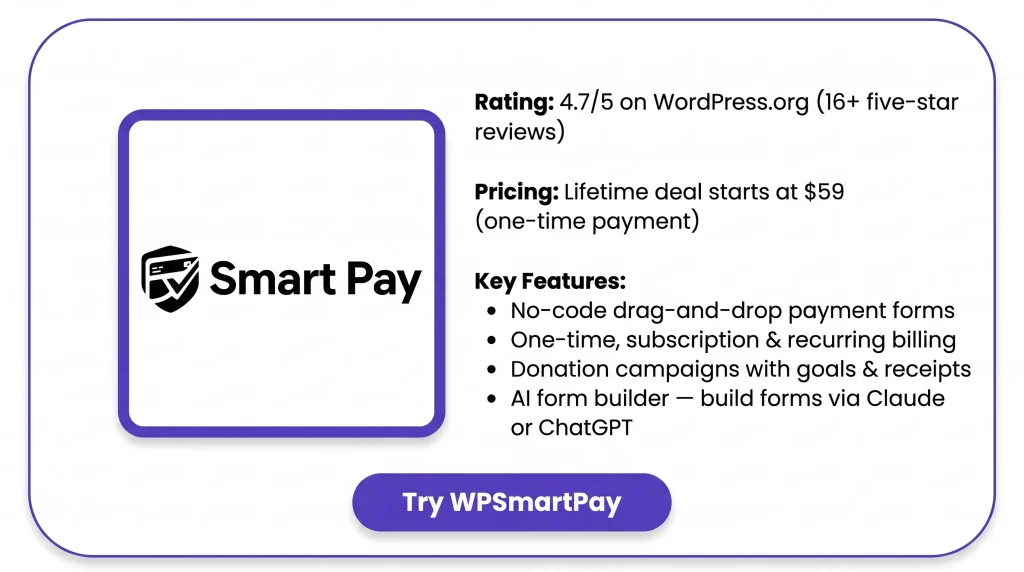
Native WordPress Payments
Customers pay right on your WordPress site. They never leave for another checkout page.
Five-Minute Setup
You install the plugin. You connect your gateway. Then you add a form to any page. No paperwork. No cart setup.
Run It From Claude or ChatGPT
You can connect Claude, ChatGPT, Cursor, or any MCP client. Your AI agent builds and runs payment campaigns for you.
Gateway-Secured Checkout
Payments run through your gateway’s secure checkout. Card details never touch or sit on your site.
Recurring Subscriptions
You can bill customers daily, weekly, monthly, or yearly. Trials, setup fees, and failed payments are handled for you. No manual rebilling.
Borderless Donations
You can run fundraising campaigns with a goal. Supporters from any country can give.
Drag-and-Drop Builder
You build forms by dragging blocks into place. No code needed. Preview it live, then publish it anywhere.
Custom Amount Fields
Customers can type in their own amount. This works for tips, donations, or pay-what-you-want. You set a min, max, and suggested value.
Collect Custom Data
You can add text fields, dropdowns, checkboxes, and consent boxes. This lets you collect extra details with each payment.
Dedicated Landing Pages
Each form can get its own checkout page. It comes with a clean URL. You don’t need to build a new page for it.
14+ Payment Methods
You can accept cards, Apple Pay, Google Pay, SEPA, Klarna, Afterpay, PayPal, and bank-direct payments. Pick what fits each region.
Sell in 157+ Currencies
You can charge customers in their own currency. There are over 157 options. Your gateway handles the conversion at checkout.
Benefits of the WPSmartPay Lifetime Deal
- No Developer Required: You don’t need to hire anyone. You don’t need to write code.
- Fewer Checkout Distractions: Customers pay without leaving your site. Their focus stays on the purchase.
- Safer Customer Data: Card details stay with the gateway. Nothing sensitive sits on your server.
- Predictable Recurring Revenue: Subscriptions renew on their own. Failed charges get retried too. Income keeps coming in.
- Global Reach for Payments: Customers can pay from any country. They pay in their own currency.
- Less Customer Support Work: Customers can update their billing themselves. They can cancel or switch plans too. No emails needed.
- Site Speed Stays the Same: Pages load just as fast as before. The plugin only loads where you use it.
- Works With Your Existing Theme: Forms fit into any well-built theme. They also work with major page builders.
- Real Human Support: A real support team answers your questions. No slow ticket queue.
Cons of the WPSmartPay Lifetime Deal
- Payment Confirmation Reliability: Webhook confirmation can fail without warning. One reviewer’s Stripe charge stayed “Pending” due to a signature error.
- Limited Subscription Flexibility: There’s no pause option. Cancelled plans can’t restart from admin. PayPal Standard skips recurring billing too.
- Minor Interface Rough Edges: A new form showed a 404 error. It needed a manual permalink refresh to fix. A security key field also stayed visible instead of hidden.
- Confusing First-Time Form Builder: Templates and the settings tab weren’t clear at first. It got easier with more use.
Who is WPSmartPay best for?
- Nonprofits & Fundraisers: They can launch donation campaigns with goals and suggested amounts. Supporters can also give monthly, with no separate fundraising platform needed.
- Consultants & Agencies: They can send branded invoices right from a client-facing page. This means no more back-and-forth emails about payment details.
- Digital Product Sellers: They can sell items like ebooks or templates with instant delivery. There’s no need to set up a full shopping cart for just a few products.
- Course Creators & Coaches: They can charge one-time or installment fees for courses. Payment connects to an LMS, so students get enrolled right after paying.
- Membership Site Owners: They can charge recurring membership fees and lock content behind payment. Members also get a portal to manage their own plan.
WPSmartPay AppSumo Pricing Plan
Tier 1 — $59 (regular price $119)
1 website license
Features:
- Add unlimited products. No cap at all.
- Build unlimited payment forms too.
- Show forms as inline blocks or popups.
- Build forms with the WordPress block editor. Start from ready-made templates.
- Set up repeat billing for customers.
- Manage invoices and subscriptions in one place.
- Filter out spam on its own.
- Customize your purchase emails.
- Let buyers enter their own amount.
- Connect to outside apps and tools.
- Sync customers straight to your CRM.
- Collect one-time or recurring donations.
- Run event sign-ups with registration forms.
- Give members their own account area.
Tier 2 — $99 (regular price $199)
Includes License Tier 1, plus:
- Use it on 5 sites instead of 1.
Tier 3 — $199 (regular price $399)
Includes License Tier 2, plus:
- Use it on 50 sites instead of 5.
WPSmartPay Alternative
WPSmartPay vs WP Simple Pay
This is closest to WPSmartPay in style. You drop a Stripe form on any page, with no cart needed. But it only works with Stripe, no other gateways.
Pricing: Starts at $99/year (Personal). Higher tiers go up to $199, $399, and $599.
WPSmartPay vs GiveWP
This fits better if donations are your main focus. It has stronger donor tracking, campaign reports, and peer-to-peer fundraising.
Pricing: A free core version is available. Paid plans run from $149 to $499 per year.
WPSmartPay vs Charitable
This is also built for donations, like GiveWP, but costs less. Forms also match your site’s theme automatically.
Pricing: A free core version is available. Paid plans start at $69/year.
WPSmartPay vs WooCommerce + WooPayments (Stripe Gateway)
This is the natural choice if you already use WooCommerce. The core plugin is free, with no monthly fee. But unlike WPSmartPay, you need a full cart-based store.
Pricing: The plugin is free. The gateway takes 2.9% + $0.30 per sale.
WPSmartPay vs Gumroad
This works differently. It’s not a WordPress plugin, but its own hosted store. It fits people who don’t want a website at all, just a link to sell. It also handles tax for you.
Pricing: No monthly fee. It takes 10% + $0.50 per sale (30% through Discover).
Final Thoughts – WPSmartPay Review 2026
Setting up payments on WordPress usually means fighting with a heavy cart plugin, just to sell one thing. WPSmartPay fixes this. It gives you no-code forms for one-time payments, subscriptions, and donations.
Everything runs from one dashboard, and your own gateway handles the money. It’s fast to set up. No developer needed. Customers even get their own portal to manage billing. With the WPSmartPay Lifetime Deal, you pay once instead of every year. That makes it a smart pick for consultants, nonprofits, and course creators ready to start collecting payments today.